 en/pt
en/pt




















 Product guide
Connect Pod Smart Lock to Access Control System: Verify 2026
Instead of handing out pod fobs and tracking access by hand, connect a pod smart lock to your access control system only after confirming that the lock and your system support the same integration method. In 2026, the documented starting point for Soundbox Store’s Smart Lock is its two included key fobs/cards or downloadable app; a connection to an external access control platform is not established by the supplied product information.
- To connect a pod smart lock to an access control system, confirm a supported integration method before changing access settings.
- Soundbox Store’s Smart Lock is best for teams prepared to use its supplied fobs/cards or downloadable app while checking compatibility.
- A building badge, pod fob and app credential are not interchangeable without documented support.
- If no supported connection is confirmed, manage pod credentials separately and record who receives access.
Why this matters
Your building access system answers who can enter the workplace. A pod lock answers who can enter a particular private workspace. Treating them as one system without confirming the connection leaves a gap: changing someone’s building access does not, by itself, establish what happens to their pod credential.
Soundbox Store’s Smart Lock is best for workplace teams that need fob/card or app-based pod entry; external access control integration must be confirmed separately. The product information identifies two included key fobs/cards and a downloadable app as ways to unlock it. It does not identify an external platform, an integration interface or a supported building-badge format. Your 2026 access plan should distinguish those documented entry methods from a proposed integration.
A booking calendar is another separate system. Reserving a meeting booth does not establish that the booking controls its lock. Keep the booking process and entry permissions distinct unless the relevant suppliers document and confirm a connection between them.
Before you start
- Identify the exact systems. Record the Smart Lock product, the name and version of your existing access control platform, and who administers each. A general description such as building badges is not enough to establish compatibility.
- Collect the available credentials. Have the supplied fobs/cards and access to the downloadable app available for a functional test. Record which pod the lock serves and who is responsible for its credentials.
- Resolve the gotcha before setup. A card that looks like your building badge is not proof that the same reader, credential format or enrolment process works with both systems. Do not promise one badge for both doors until the suppliers confirm that exact arrangement.
No verified Smart Lock interface labels or third-party integration steps are supplied here. Use the exact controls in your product documentation once the integration route is confirmed; do not substitute a generic pairing sequence for a documented one.
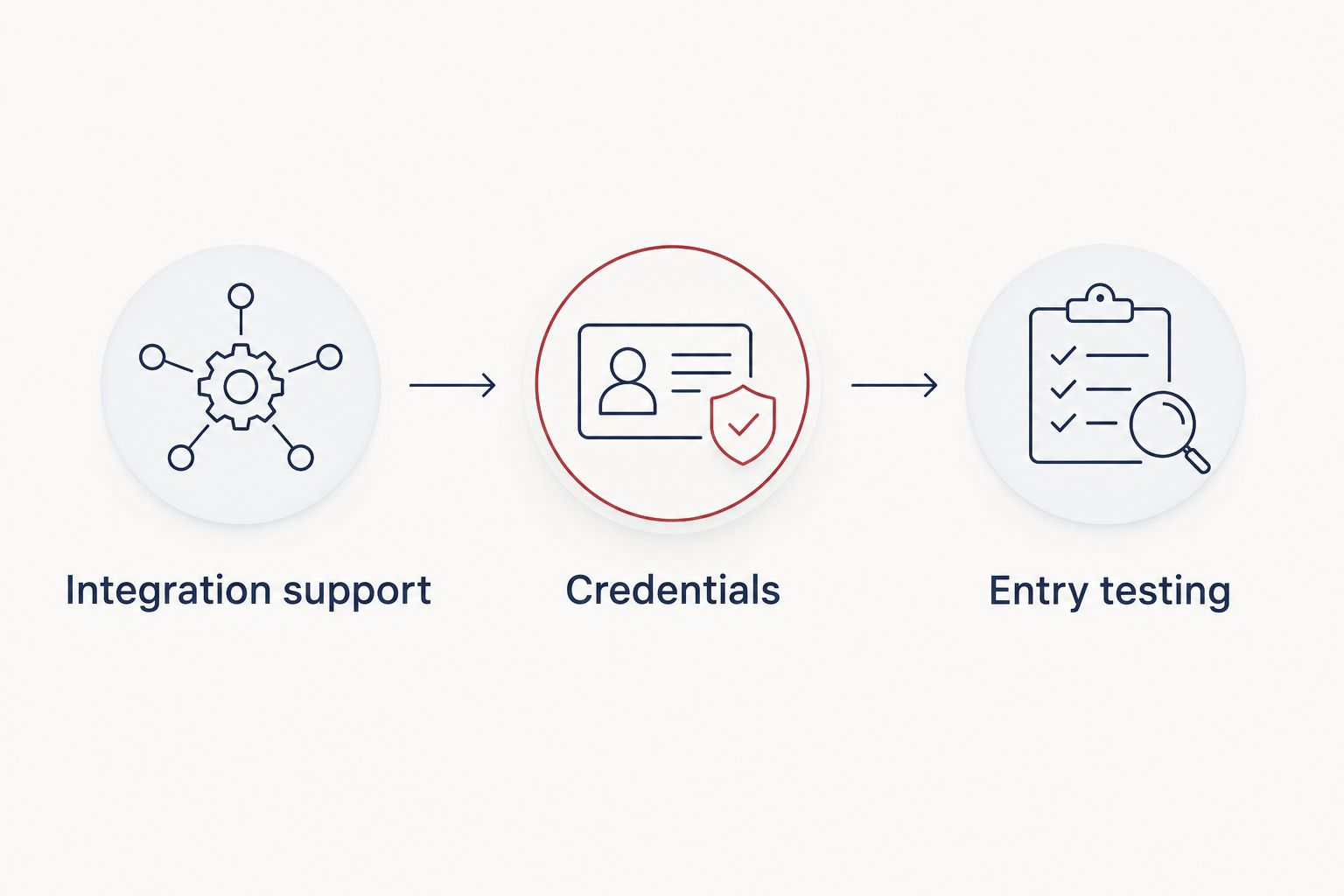
Integration support
- Name the proposed connection. Ask whether your goal is to use existing building badges at the pod, provision pod users from a staff directory, or make bookings control entry. These are different workflows. Confirmation of one does not confirm the others.
- Request the supported method in writing. Give the lock supplier and your access control administrator the exact product and platform details. Ask what connects them, which credentials work, and whether access changes made in one system reach the other.
- Check the boundary of that support. Establish whether the proposed method applies to the particular pod and lock you have, and whether it handles new users, changed permissions and removed users. A demonstration of a single successful unlock does not answer all three questions.
- Choose the route. If both sides confirm a supported method, follow their product-specific configuration instructions. If they do not, use the documented fob/card or app entry methods and maintain a separate access record.
Expected result: you have either a confirmed connection method for your exact systems or a clear decision not to connect them. You are not halfway through an unsupported setup.
| Entry route | Best for | What it establishes | Limitation to resolve |
|---|---|---|---|
| Supplied fob/card | A team assigning physical pod credentials | An entry method stated in the Smart Lock product information | It does not establish compatibility with existing building badges. |
| Downloadable app | A team choosing app-based pod entry | An alternative unlock method stated in the product information | It does not establish directory sync or booking-based access. |
| Confirmed external integration | A team that needs pod access managed through another system | A connection only when both suppliers document support for the exact setup | Its scope, controls and revocation behaviour must be verified before rollout. |
The distinction matters most when staff leave or change roles. In a 2026 handover, the administrator needs to know which system controls each credential, rather than assuming a building-access change reaches the pod.
Credentials and permissions
- Write the access rule first. List the people or roles that need entry to each pod. Separate regular users, administrators and visitors in the plan without assuming the lock offers those role settings.
- Assign responsibility for each route. Name the person who records a fob/card handover, the person who manages app-based entry and the administrator of the building access system. If an external connection is confirmed, document which system is authoritative for each change.
- Configure only documented controls. Follow the instructions supplied for the confirmed route. Do not copy building credentials, assume a directory import exists or create a booking-to-lock rule without product-specific support.
- Record the outcome per pod. Keep the pod name, chosen entry method, assigned credentials and access owner together. A solo phone booth and a meeting booth require distinct records even when the same team manages both.
Expected result: for any pod, your team can answer who is meant to enter, how they enter and where their access is changed. That answer is more useful than a claim that the systems are connected when nobody can identify the connection.
For the 2026 rollout, keep the access record separate from the booking calendar until you have confirmed that a reservation affects entry. A calendar entry alone is not an access credential.
Entry testing
- Test the stated methods. Check the supplied fobs/cards and the downloadable app against the intended pod using the product instructions. Record which credential was tested and the result; do not treat one working method as proof that the others work.
- Test the proposed connection separately. If an external method was confirmed, use the suppliers’ test procedure for the exact platform and lock. Check the intended user, the intended pod and the permission state that should allow entry.
- Test a changed permission. Have the responsible administrator change a test user’s access through the system identified as authoritative. Confirm the result at the pod using the documented method. If the outcome differs, pause rollout and resolve the difference before assigning more users.
- Repeat for every pod in scope. A successful test on one lock does not verify another lock or a different credential assignment. Keep a separate result for each pod.
Expected result: an authorised test credential behaves as documented, and a changed permission produces the result specified for the confirmed workflow. Your 2026 test record identifies what was actually checked, not merely that someone opened a door.
Variant: visitor access without a permanent building credential
Visitors need an entry plan even when they never receive a staff badge. Start by deciding who authorises their pod use and who remains responsible for the credential. Then check the Smart Lock documentation for the visitor method you intend to use. The supplied information does not establish temporary app profiles, timed permissions or automatic expiry, so do not build the visitor process around those features without confirmation.
If you use an included fob/card for a visit, record who has it and when it is returned. If you want an app-based visitor route, confirm the exact enrolment and removal process before using it. If your workplace needs a reservation to grant entry automatically, treat that as a separate integration requirement and obtain written support for it first.
Expected result: a visitor can be given an identified entry method for a specific visit, and the person managing pod access knows what must happen when the visit ends. The process does not depend on an unverified automatic expiry setting.
Troubleshooting
- Your existing badge is not recognised at the pod. Stop treating the badge and supplied fob/card as interchangeable. Confirm credential compatibility with both suppliers before changing settings or issuing a different badge.
- The app works, but a building-access change has no visible effect. App entry does not establish a directory connection. Check whether the external integration was confirmed and whether that type of change is within its documented scope.
- A booking appears on the calendar, but the pod does not respond to it. Verify whether the booking system and lock have a supported connection. Without one, manage the reservation and entry as separate tasks.
- One pod passes the test and another does not. Check the credential and permission record for the affected pod. Repeat the documented test against that pod rather than assuming the first result applies to every booth.
- Nobody knows whether a former user still has pod access. Identify whether that person used a fob/card, the app or a confirmed external method. Check the appropriate system and credential record; a building-access change alone is not evidence of a pod-access change.
Customize your workflow
Once entry works, standardise the record your facilities team keeps for each pod: the entry method, the access owner, the credential holder and the result of the latest permission-change test. Review that record whenever a pod changes users or a credential changes hands. This gives you a repeatable 2026 process without claiming automation the lock has not been shown to provide.
If your office manages several booths, the guide to networking multiple office pods for large teams covers the broader planning question. Keep this lock decision specific: each proposed connection still needs confirmation for the actual hardware and access platform.
FAQ
Can I connect a pod smart lock to my existing access control system?
Only after confirming a supported method for the exact lock and access control platform. The supplied Soundbox Store Smart Lock information identifies fob/card and app unlocking but does not establish an external integration.
Can I use my building badge instead of the included pod fob?
Do not assume a building badge works with the pod lock. Confirm the credential format and enrolment method with both suppliers before using one badge for both systems.
How many fobs or cards are included with the Soundbox Store Smart Lock?
The Smart Lock product description states that it includes two key fobs/cards. It also identifies a downloadable app as an alternative way to unlock the lock.
Will booking a pod automatically unlock it for the person who reserved it?
A booking does not establish automatic unlock. Confirm a supported connection between the booking system and lock before treating a reservation as an entry permission.
How do I check that a pod access change worked?
Change a test user’s permission through the documented access route, then test the result at the intended pod. Record the credential, pod and outcome rather than relying on a change shown in another system.
What should I do if external integration is not confirmed?
Use the stated fob/card or app entry methods and manage pod access separately. Keep a record of assigned credentials and check the relevant pod access route when someone’s permissions change.
One last thing
The most useful test is not whether someone can open the pod once. It is whether the right administrator can change that person’s access and verify the result at the right pod. Make that test the final checkpoint of your 2026 rollout; it reveals the difference between a working credential and a managed access workflow.


