 fi
fi



















 Tuoteopas
How to take a confidential call in an open-plan office
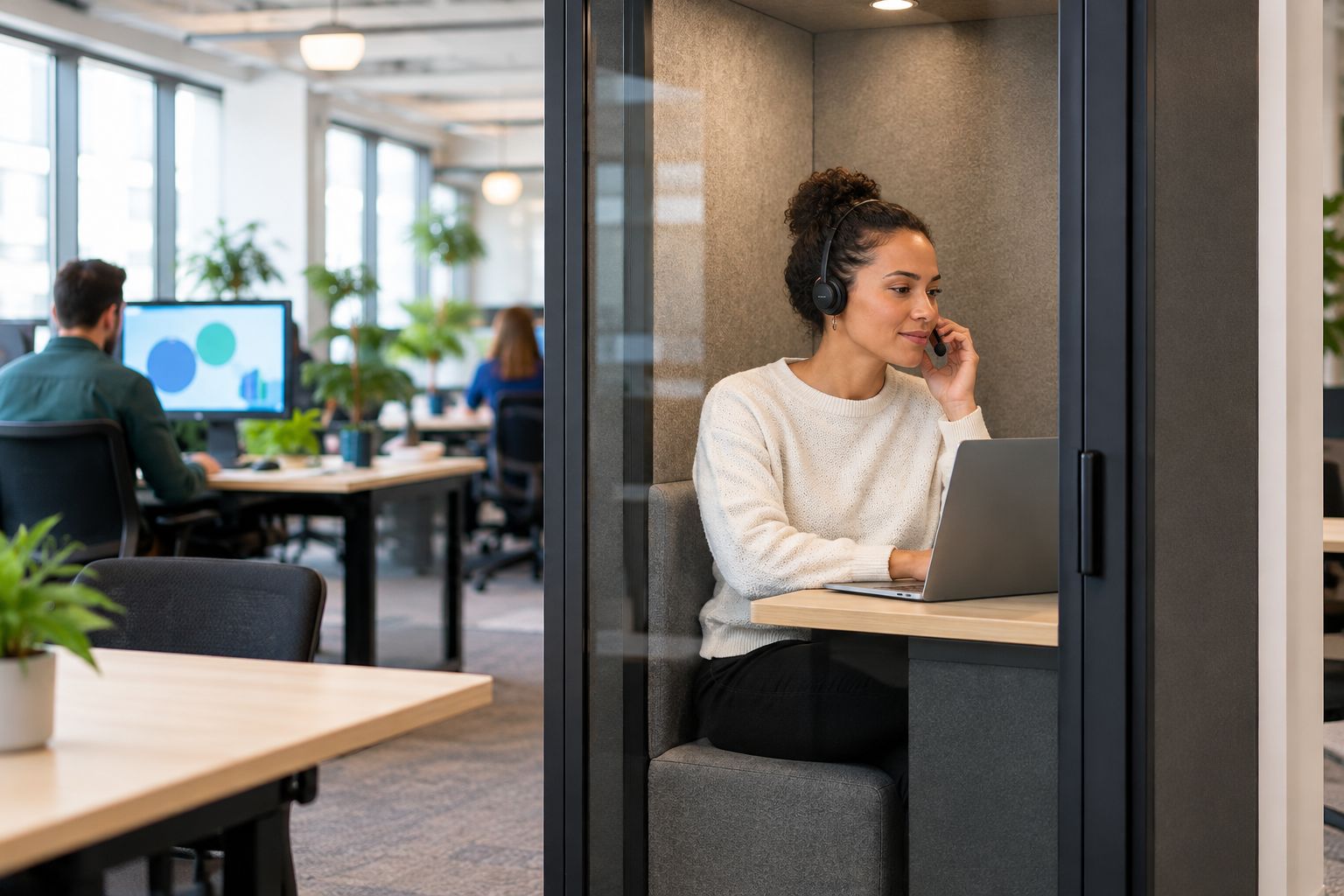
To take a confidential call in an open-plan office, move to an enclosed room or phone booth before discussing sensitive information, use a headset, and check whether speech can be understood outside. A headset keeps the other caller off loudspeaker; it does not stop colleagues hearing your voice. If you cannot find a suitable private space, postpone the sensitive part of the conversation.
- For a confidential call in an open-plan office, leave the shared desk area before discussing sensitive details.
- Headsets limit playback into the room; they do not contain your spoken replies.
- Soundbox Store sells acoustic phone booths for private workplace calls; an enclosure is not a confidentiality guarantee.
- Check speech privacy, screen visibility and interruptions before starting the conversation.
How do you take a confidential call in an open-plan office?
- Choose an enclosed space, not an empty corner of the shared office.
- Close the door before introducing the confidential subject.
- Use a headset and confirm that call audio reaches it rather than your laptop speakers.
- Check outside audibility with a colleague using non-sensitive speech.
- Hide unrelated information on your screen and share only the required window.
- Pause if privacy changes, including when someone enters or opens the door.
For recurring calls, match the enclosure to the people physically attending:
| Option | Best for | Relevant benefit | Limitation |
|---|---|---|---|
| Office Phone Booth Folio | One person taking a private call | Designed for private calls, Zoom meetings and focus work | Its one-person format is not a space for a colleague to join you |
| Office Phone Booth Quell - 2 Person | Two colleagues joining a confidential conversation together | Designed as an acoustic enclosure for two-person private meetings | A two-person enclosure does not replace checks on speech audibility or screen visibility |
Why this matters
Being able to hear a call clearly is different from keeping it private. You can have excellent headset audio while everyone nearby hears your side of the conversation. Names, decisions and replies can reveal the subject even when colleagues cannot hear the remote participant.
Treat privacy as a condition you establish before the discussion, not something you recover after mentioning the sensitive detail. This applies whether you are discussing an employee matter, a client negotiation or an unpublished business decision.
The practical objective is straightforward: keep the conversation away from unintended listeners and keep its supporting information out of view. An enclosed space addresses a different problem from a headset, so use both rather than expecting either to do everything.
Before the call: choose the space, then check it
Match the space to the conversation
Choose somewhere you can remain for the whole discussion without needing to return to the shared office halfway through. Check the booking before you join, and make sure the room is not about to be used by another team.
A brief scheduling exchange needs a different level of preparation from a discussion involving names, personal circumstances or commercial terms. Decide what the call will contain before choosing where to take it. Do not wait for the sensitive subject to arise.
If two colleagues need to attend from the office, choose a space intended for both. A remote participant does not need a physical seat, but everyone joining locally does. Keep that distinction clear when booking.
Check speech audibility with ordinary words
Ask a colleague to stand outside the closed enclosure while you speak at the volume you expect to use. Use a neutral passage, not a real client name, employee detail or confidential document. Ask whether the words are understandable, rather than simply whether any sound is audible.
This is a practical check, not an acoustic assessment or a guarantee. If the colleague can understand the passage from a nearby desk or circulation area, choose another space before proceeding.
Avoid whispering during the check and then speaking normally during the call. The useful question is whether your actual speaking voice is intelligible outside the space you intend to use.
Look beyond the microphone
Check what someone passing the door or glazing can see. Turn your screen away from shared sightlines where possible, close unrelated documents, and put paper notes out of view.
A private-sounding call still exposes information if the supporting document is visible. Review the camera preview too: a whiteboard, printed agenda or second screen can reveal details that are not part of your intended presentation.
At the start: confirm audio, attendance and sharing
Route the audio before discussing details
Select your headset in the calling application and check both its microphone and playback settings. Connecting a headset does not establish that the application is using it. Confirm the output before the remote caller begins sharing sensitive information.
Keep speakerphone off in the shared office. Inside an enclosure, a headset also avoids playing the remote participant's voice into the room, but it does not remove the need to check whether your own replies carry outside.
If you need to change devices during the conversation, pause the discussion first. Resume after you have confirmed where the sound is playing.
Confirm who is present
Check the participant list and establish who is joining from each location. Ask remote attendees whether anyone else is in their room or within hearing distance before introducing the confidential subject.
Your private space addresses only your end of the call. The conversation also depends on the setting used by the other participants. If someone cannot speak privately, agree which non-sensitive points you can cover and which discussion needs a later slot.
Keep introductions useful but restrained. There is no need to announce the confidential topic while you are still walking from your desk to the room.
Share the smallest useful view
Open the document you need before sharing. Choose the relevant application window rather than the whole desktop, and close unrelated tabs or files that could appear when you switch tasks.
Hide notification previews for the duration of the discussion. Check the shared view after starting, particularly if you are using more than one display. What you see on your own screen is not a substitute for checking what the meeting is receiving.
If the wrong content appears, stop sharing before correcting it. Do not keep presenting while you search through unrelated folders or messages.
During the call: keep the privacy conditions intact
Speak at a normal conversational level and keep the door closed. If the connection becomes difficult to hear, adjust the headset or pause to resolve the audio rather than raising your voice across the enclosure.
Mute when you are not speaking, but understand its boundary: muting stops your microphone transmitting to the call; it does not stop someone outside hearing you talk. Avoid discussing the same confidential subject with a colleague while assuming the mute button makes the exchange private.
Use clear pause points when something changes:
- Someone enters: stop the sensitive discussion before explaining the interruption.
- The door opens: pause until the space is enclosed again.
- Audio switches devices: confirm playback before continuing.
- A participant moves into a shared area: defer the confidential portion.
- The booking ends: arrange another suitable space rather than finishing at your desk.
You do not need to complete the conversation at the expense of privacy. A short interruption is preferable to continuing after the conditions you checked have changed.
Why confidential-call privacy varies
There is no useful verdict based on the room label alone. A space called a meeting room, quiet room or phone booth still needs to suit the conversation you are about to have.
The practical factors are:
- Speech audibility: whether people outside can understand your normal speaking voice.
- Door position: an open door leaves a direct route between the conversation and the shared office.
- Local attendance: whether the enclosure suits everyone joining physically.
- Visual exposure: whether screens, notes or camera backgrounds reveal information.
- Interruptions: whether another booking or an unexpected visitor will break the discussion.
- Remote surroundings: whether the other participants can speak and listen privately.
A quieter space is not automatically a confidential space. Check the conditions that matter to the call rather than relying on how calm the room feels when you first enter it.
When no private room is free
Keep the first exchange limited to arranging a suitable time and place. Say that you need to move before discussing details, then pause or end the call. Avoid explaining the sensitive subject as your reason for leaving the desk.
A corridor, kitchen or vacant desk row is still a shared setting. Moving away from your immediate team does not establish who else can hear you, and an apparently empty area can become occupied during the conversation.
If the matter cannot wait, follow your organisation's agreed process for finding an appropriate space or communication channel. Do not assume that switching to a personal device or an unapproved messaging service resolves the problem.
For repeated booking conflicts, record the unmet need without documenting the confidential content. Note that a private call space was unavailable, rather than recording the employee, client or subject involved. That gives the workplace team a useful planning issue to address.
When a dedicated phone booth fits the task
Soundbox Store acoustic phone booths are best suited to workplaces that need a dedicated enclosure for private calls. The relevant distinction is between one person joining remotely and colleagues needing to sit together for the same discussion.
Soundbox Store lists the Folio for one-person private calls, Zoom meetings and focus work. Its two-person Quell booth is described as an acoustic enclosure for private meetings between two people. Choose by local attendance and the task, not by counting everyone shown in the online meeting.
The benefit is a dedicated place to leave the shared desk area. The limitation is equally important: an enclosure does not control participant attendance, screen sharing or what happens when the door opens. Keep the call checks even when you use a purpose-built booth.
Avoid choosing a larger meeting space simply because the remote call has several attendees. Reserve the physical capacity you need, while checking that the space supports the work you will actually do inside it.
After the call: finish before returning to the desk
End the connection and stop screen sharing before opening the door. Check that the meeting has ended rather than merely minimising its window, then collect your notes and close sensitive documents.
Do not carry the conversation back into the office through an informal recap. If a colleague needs an update, arrange an appropriate setting or use the organisation's agreed channel. The same information remains confidential after the scheduled call ends.
Leave shared writing surfaces clear of the discussion. If you need a follow-up, use a neutral booking title rather than putting the sensitive subject into a calendar entry visible to others.
FAQ
Can I take a confidential call at my desk if I wear headphones?
Headphones do not make a confidential desk call private. They keep the remote caller's audio off loudspeaker, but colleagues can still hear your spoken replies; move to an appropriate enclosed space before discussing sensitive details.
How can I check whether people outside can hear my call?
Ask a colleague to listen outside the closed space while you speak normally using non-sensitive words. Ask whether the words are understandable, not just whether sound is audible; treat this as a practical check, not a confidentiality guarantee.
What should I do if every meeting room is occupied?
Postpone the confidential portion until you have a suitable private space. Keep the initial exchange to scheduling and follow your organisation's agreed process if the conversation cannot wait.
Does an acoustic phone booth guarantee confidentiality?
An acoustic phone booth does not guarantee confidentiality. You still need to check speech audibility, control screen visibility, confirm who is attending and pause when someone opens the door.
Should two colleagues use a one-person booth for a joint call?
Choose a space intended for both colleagues rather than treating a one-person booth as a joint meeting space. Count the people attending locally, not everyone joining remotely, when selecting the room.
How do I keep confidential information out of a video call background?
Check the camera preview and remove sensitive papers, whiteboard content and visible documents before joining. Share only the required application window and hide unrelated notification previews.
One last thing
The walk to the private space is part of the call. Do not start naming people, discussing terms or explaining the issue while crossing the shared office, even if the enclosure is only a short distance away.
Make the transition explicit: move first, close the door, confirm the audio and then begin. When the call ends, finish the connection before returning to the shared area. Those boundaries keep the confidential conversation inside the space you chose for it.


