 no
no



















 Produktguide
How to prepare for a remote interview in a noisy office
To prepare for a remote interview in a noisy office, reserve an enclosed space, test your microphone from that exact location and agree a backup way to reconnect. Headphones help you hear, but they do not stop colleagues overhearing your answers. Choose the space first, then test what the interviewer actually hears.
- For a remote interview in a noisy office, prioritise an enclosed space over background-noise settings.
- Soundbox Store acoustic office pods suit workplaces providing dedicated spaces for private calls; test the actual interview setup.
- Check microphone clarity, speech privacy and the connection separately before joining.
- Prepare a backup location and reconnection plan before the interview starts.
How do you prepare for a remote interview in a noisy office?
Prepare in the order below. Testing equipment at your usual desk does not tell you whether it will work in the room you intend to use.
- Reserve your interview space. Confirm that you can use it throughout the scheduled conversation, including joining and leaving the call.
- Check speech privacy. Establish whether people nearby can understand an ordinary conversation from outside the space.
- Test the complete call setup. Use the same device, microphone, headphones, connection and interview application you intend to use.
- Prepare your interview materials. Keep your CV, job description, examples and questions accessible without displaying unrelated information.
- Agree a fallback. Keep the organiser’s contact details and a permitted alternative connection method ready.
For workplaces providing repeat access to private calls, Soundbox Store offers a single-person office phone booth. For an individual interview, start with a suitable space already available to you rather than treating equipment purchasing as the preparation task.
Why this matters
A remote interview needs more than a quiet background. You need to hear questions, deliver complete answers and discuss your experience without an audience at neighbouring desks.
Treat these as separate checks. A microphone test reveals what reaches the interviewer; a check outside the room reveals what reaches colleagues. Neither check replaces the other.
A successful audio test is not proof of speech privacy. If your answers include sensitive career information, use a space where you have checked both.
Choose a space that fits the interview
Choose your location around the conversation, not just the camera view. A tidy corner still leaves you exposed to nearby speech and interruptions.
| Space | Best for | Practical advantage | Limitation to check |
|---|---|---|---|
| Enclosed meeting room | Interviews involving documents or presentations | Separates you from the open desk area | Booking conflicts, sound transfer and connection quality |
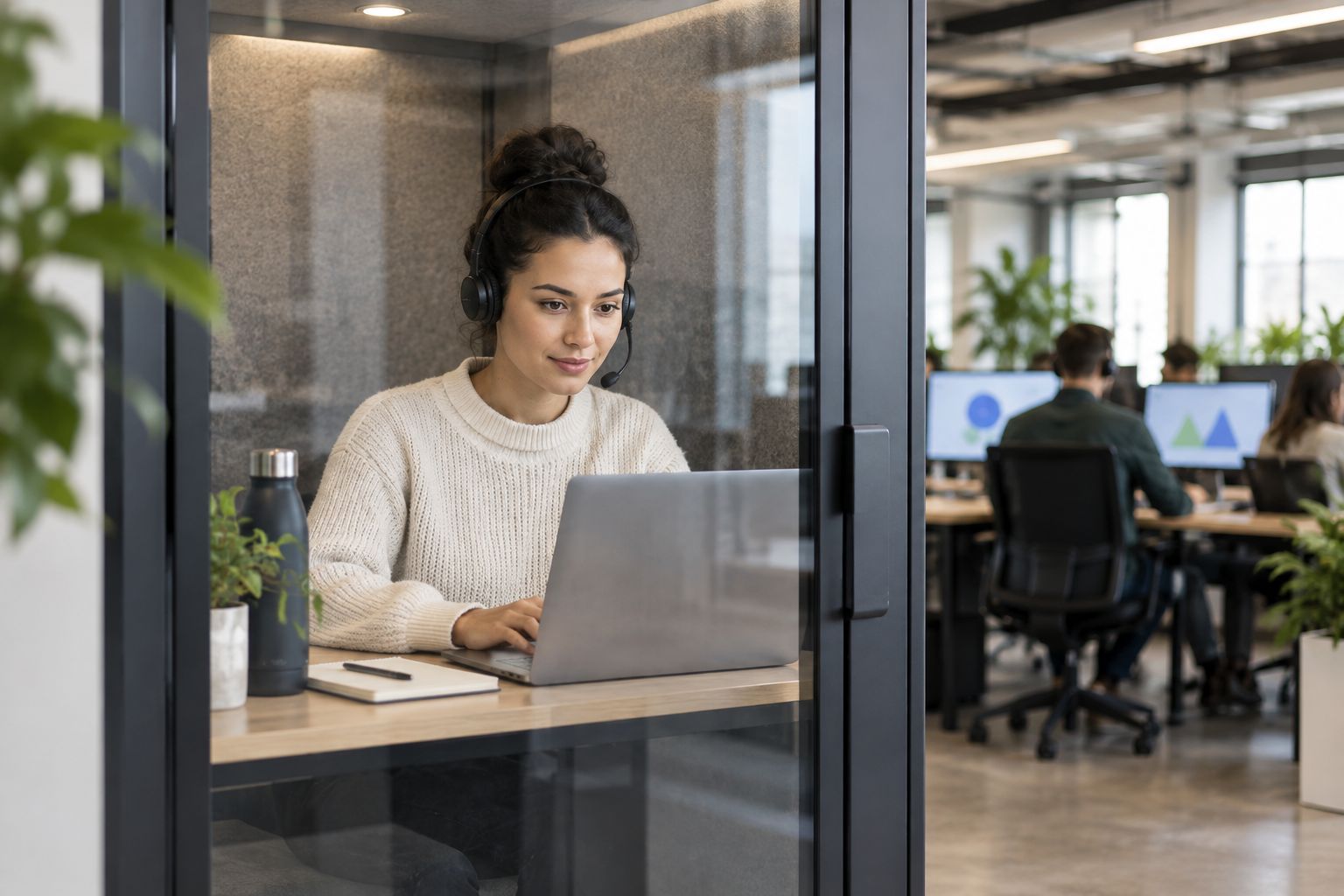
| Single-person acoustic booth | Joining the interview alone | Provides a dedicated space for an individual call | Actual speech privacy, camera framing and working surface |
| Open-plan desk | A fallback when no enclosed space is available | Keeps your familiar equipment within reach | Nearby conversations, interruptions and overheard answers |
Use a tested enclosed space when one is available. Do not choose a larger room solely because it looks more formal: check whether you can hear clearly and frame the camera appropriately.
If you must remain at a desk, move away from active conversations where your workplace permits. Tell nearby colleagues that you need an uninterrupted call, use headphones and avoid discussing information you cannot keep private there.
Test your voice, not just the microphone indicator
A moving microphone indicator confirms that an input is reaching the application. It does not establish whether your words are clear over office conversations.
Run a test call with someone who is not sitting beside you. Speak at your normal interview volume and ask the listener to assess the sound while the surrounding office is active.
Ask the listener to check:
- Speech clarity: Can they understand complete sentences without guessing?
- Background speech: Can they distinguish nearby conversations?
- Missing words: Do the beginnings or ends of sentences disappear?
- Echo: Do they hear their own voice returning?
- Consistency: Does your voice change when you turn towards your notes?
Select the intended microphone explicitly in the interview application. Connecting a headset does not replace checking which input the application is using.
If background-noise suppression is available, compare the call with the setting enabled and disabled. Keep the setting that preserves your words most clearly; do not assume the strongest option gives the clearest speech.
Avoid changing equipment after a successful test unless something stops working. A last-minute switch introduces a different microphone, connection or application setting that you have not checked.
Check what colleagues can hear
Headphones keep the interviewer’s voice out of your loudspeakers. They do not contain your own speech.
Ask a trusted colleague to listen from the neighbouring working area while you read neutral material at your usual speaking volume. Do not use actual interview answers or personal details for this check.
If the colleague can understand your words, choose another space for sensitive discussion. Speaking unusually quietly is not a substitute: you still need to deliver answers clearly to the interviewer.
Also check visual privacy. Look behind you for names, documents, whiteboards and screens that should not appear on camera. A blurred background changes the video image; it does not change who can hear you in the office.
Why interview conditions vary across the same office
A location that works for routine calls is not automatically suitable for an interview. Check these factors at the intended location rather than relying on how the office sounds from your desk.
- Nearby activity: Conversations and shared equipment create different interruptions.
- Room sound: Reflections inside the space affect how your microphone captures speech.
- Microphone selection: The application must use the input you tested.
- Connection quality: Test the connection inside the room or booth, not outside it.
- Booking arrangements: Confirm that another user will not expect the space during your interview.
- Visibility: Passing colleagues and exposed information create distractions even when audio is clear.
Address the factor that fails your test. If the connection drops, changing the background will not fix it; if colleagues understand your answers, microphone processing will not give you privacy.
Prepare your screen and interview materials
Open the invitation before the interview and confirm the application, joining instructions and organiser’s contact details. Check whether you need to sign in, request access or use a particular account.
Keep your CV, the job description and brief prompts for relevant examples accessible. Use prompts rather than a full script so you can answer the question being asked instead of reading a prepared response.
If the interview includes a presentation or practical task, rehearse the screen-sharing action. Share the intended window where the application allows it, and close unrelated documents before the call.
Silence non-essential notifications on your computer and phone. Check calendar alerts as well as messaging applications; an unexpected notification can interrupt your answer or appear during screen sharing.
Finally, check the camera preview from your actual seated position. Make sure your face remains visible when you look towards your notes and that you can use the keyboard without moving out of frame.
Set an interruption and reconnection plan
Decide what you will do if the setup fails before you join. Keep the organiser’s contact details somewhere accessible without needing the interview window to remain open.
Choose a backup location you are permitted to use. Check that it supports a private conversation and that you know how to reach it without searching during the interview.
If the organiser provides a telephone option, keep those details ready. Do not assume that an alternative device, account or network is permitted on workplace equipment; follow your organisation’s arrangements.
If noise interrupts a question, ask the interviewer to repeat it rather than guessing. If your answer is interrupted, pause and resume from the last complete point instead of talking over the disturbance.
Explain a persistent problem briefly and state the action you are taking. Move to your checked backup space or reconnect through the agreed method rather than repeatedly apologising while the problem continues.
When a workplace phone booth is relevant
A workplace that regularly hosts interviews needs a repeatable preparation process, not just a vacant room. Provide a reservable space, clear booking expectations and a way for users to test their call before joining.
Soundbox Store acoustic office pods include single-person options intended for private calls. Soundbox Store suits workplaces seeking dedicated acoustic spaces for individual calls, including interview preparation. The product’s intended use does not replace checking the microphone, connection and speech privacy in your workplace.
| Product | Best for | Stated purpose | Interview preparation limitation |
|---|---|---|---|
| Office Phone Booth Folio | An individual joining a remote call | A single-person booth for private calls, video meetings or focused work | The booth alone does not verify your device or connection |
| Quell Office Pod Solo | A workplace providing a dedicated solo call space | A 1-person phone booth designed for private calls | Test the actual interview arrangement before relying on it |
Select around the activity you need to support. A candidate joining alone does not need to choose a group meeting booth simply because several interviewers will appear remotely.
For a workplace purchase, check the current product information against your intended use. Do not infer microphone performance, network performance or complete confidentiality from a product name.
Final checks before you join
Once your setup works, stop adjusting it and concentrate on the interview. Keep the preparation focused on the conditions you can control.
- Confirm that your room or booth booking is still in place.
- Check the microphone and headphones selected in the application.
- Close unrelated windows and silence non-essential notifications.
- Put interview prompts within easy reach.
- Keep the organiser’s contact details and fallback instructions accessible.
- Check that the camera background contains no exposed workplace information.
If a key condition has changed since the rehearsal, repeat the relevant check. A different room, headset or connection is a different setup, even when the rest of your preparation is unchanged.
FAQ
Can I do a remote interview at my open-plan desk?
Use an open-plan desk only when you cannot secure a suitable enclosed space. Test what the interviewer hears, tell nearby colleagues you need an uninterrupted call and avoid sensitive discussion where others can understand your answers.
Do noise-cancelling headphones make an interview private?
Noise-cancelling headphones do not make your spoken answers private. They address what you hear; colleagues can still hear your voice, so check speech privacy separately.
How do I check whether office noise reaches the interviewer?
Make a test call from the exact interview location using the intended device, microphone and application. Ask the listener whether nearby speech is audible and whether your complete sentences remain clear.
What should I do if colleagues interrupt during the interview?
Pause, acknowledge the interruption briefly and resume when you can hear clearly. If interruptions persist, explain that you need to move to your checked backup location rather than continuing through the disturbance.
Should I tell the interviewer that my office is noisy?
Tell the interviewer briefly if office noise is affecting the conversation. State the action you are taking, such as moving to a quieter space, rather than repeatedly apologising without changing the setup.
What should I have ready if the interview connection fails?
Keep the organiser’s contact details, joining instructions and any supplied alternative connection method accessible. Agree how to reconnect and use only devices or networks permitted by your workplace.
One last thing
The most useful rehearsal includes listening, not just speaking. Ask your test partner an unfamiliar question, listen to the complete response and summarise it back; this checks whether you can follow a conversation while office activity continues.
Choose the location where you can both understand and be understood. Once that is established, your preparation can return to the job, your examples and the questions you want to ask.


